




BOOK 1
How do you survive the worst thing that can ever happen?
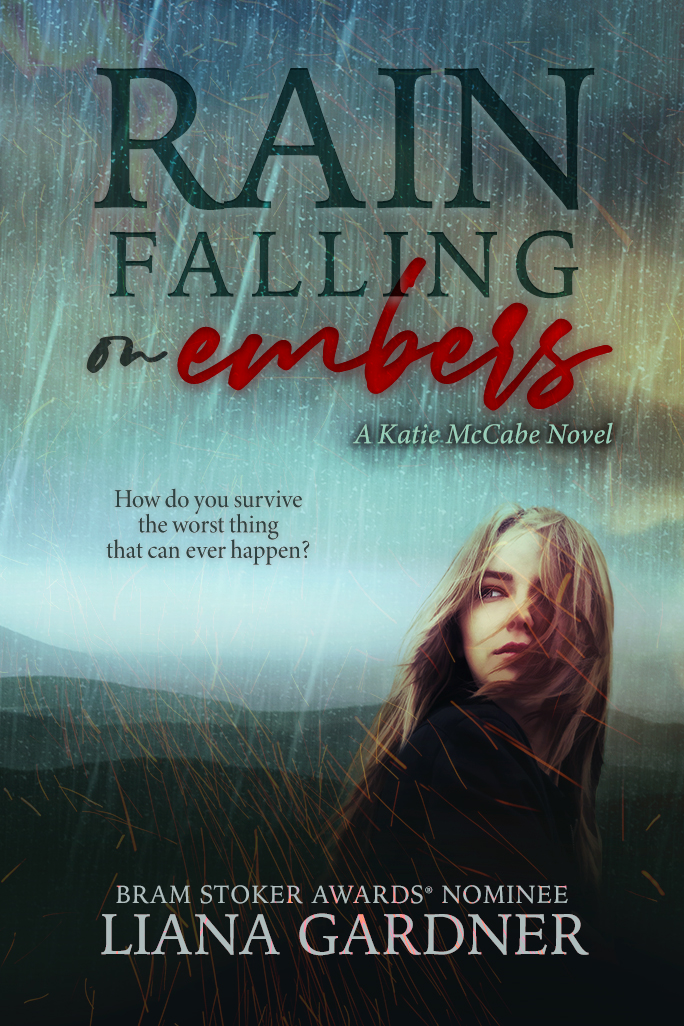
Hardback Cover
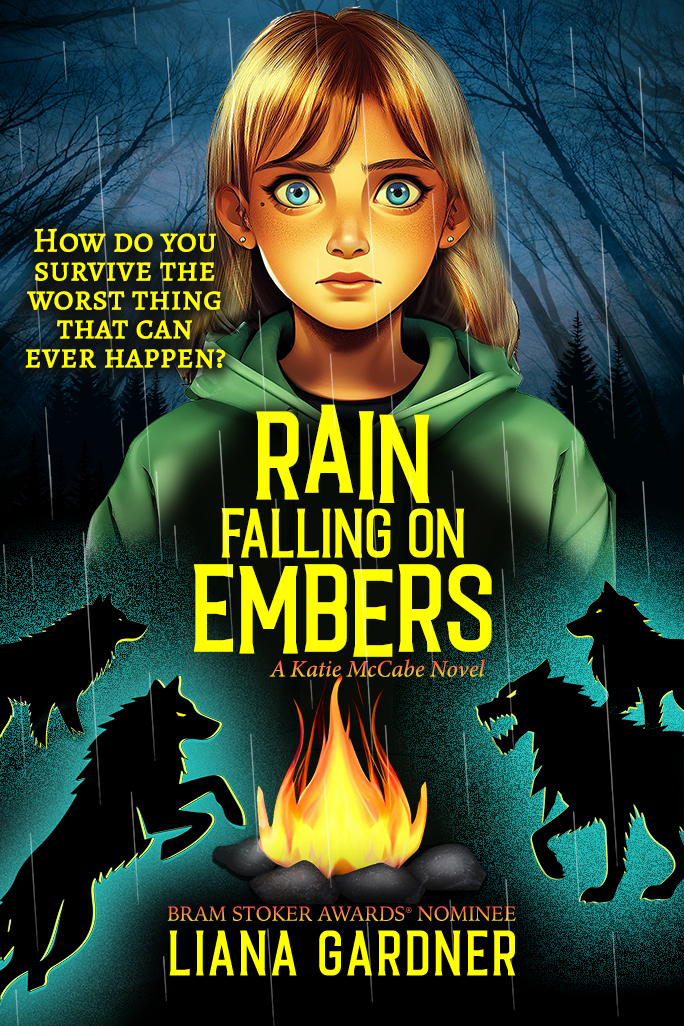
Paperback Cover
When thirteen-year-old Katie McCabe’s dad gets sick and is hospitalized, she’s sent to live with her uncle in a strange town. But within days of arriving, her dad unexpectedly dies.
Struggling with her new reality, Katie is lost. She doesn't fit in at her new home and never will.
It only gets worse when Katie starts her freshman year of high school and begins to have run-ins with the son of the man who owns the town—a powerful man with ties to her family’s past.
Then one day, she is attacked from behind. Blindfolded and slung across the back of a horse, Katie is taken up into the hills. Dumped in the middle of the wilderness in an oncoming storm, she is left to find her way home. But how will she survive?
FORTHCOMING
BOOK 2
How do you find happiness when you've lost
everything you've ever known?

After a harrowing ordeal of being lost in the hills and stalked by predatory creatures, Katie McCabe must deal with her anger toward Denton, the town bully, who left her in the middle of nowhere for days to survive alone.
With her world falling apart, things appear to take a turn for the better when Katie’s best friend visits, until she learns he’s running from the law. To make matters worse, her friendship with Logan causes tension and she might have to take sides between them.
Katie has bigger problems though as Denton wants nothing more than to pay her back for having him arrested, but she’s not backing down. When he catches Katie alone, the only question is—who will be left standing.
BOOK 3
How do you make the right decision when everything is going wrong?
What do cheerleading tryouts, Sunday afternoon court judgements, and a book burning have in common? Katie McCabe is back in action.
After her nemesis Denton is found guilty and sentenced to community service, Katie wants to believe her troubles are over, but Denton won’t rest until he gets revenge.
When blackmail rears its ugly head, she’s caught between friends and enemies putting her growing relationship with Logan at stake. Books go up in flames and Katie’s world rains down in tatters.
BOOK 4
How do you run from your troubles when you take them wherever you go?

Katie McCabe is certain she’s ruined the lives of everyone she knows, so she sneaks out of her house and heads down the road in search of the next bus stop.
When she gets to the big city, she doesn’t have an ID to book a motel room and doesn’t know how to deal with life on the streets—until a teenager comes to her rescue and gives her a safe place to stay.
As Katie tries to figure out what to do next, she’s being stalked by a killer who wants add to her to his collection.

Current Event from Diary of a Misfit, a short-story compilation companion book to the teen choice award-winning Katie McCabe series, was featured in an art exhibit called Story Chairs created by artist and writer, Tina Hoggatt.
Liana Gardner captures the emotional and tumultuous teenage years as well as the issues teens face: bullying, peer pressure, grief, loss, underage drinking, suicide, first love, and friendship.